
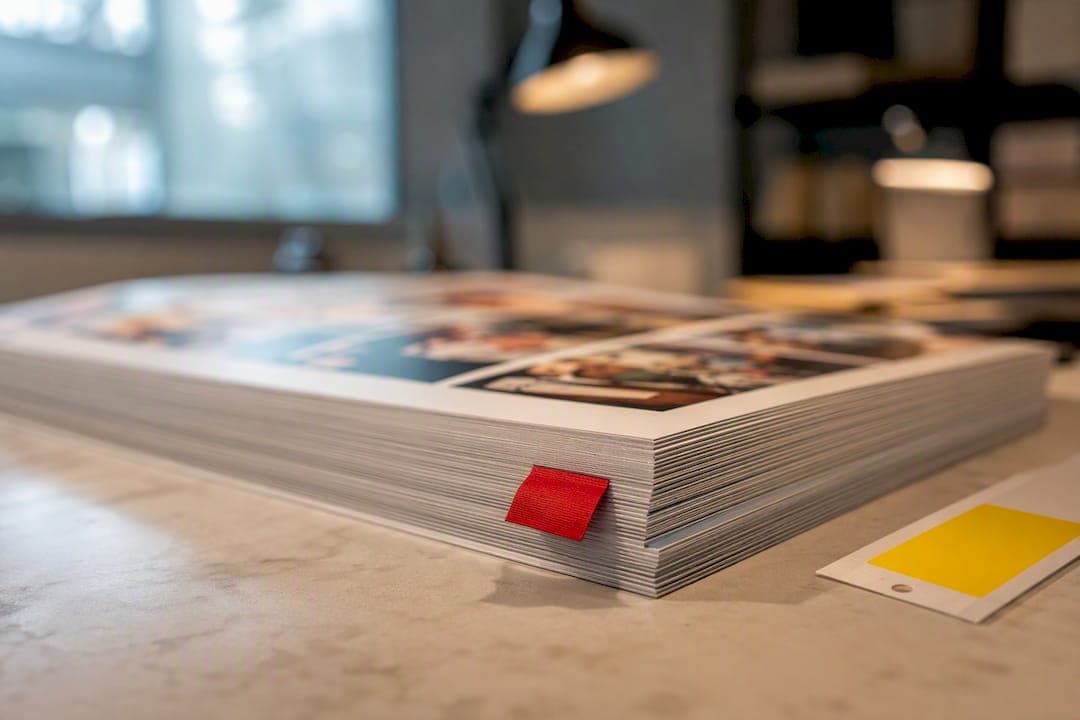
Soft proofing is an on-screen simulation used for fast, multi-reviewer approvals. Hard proofing is a physical, contract-quality print used when substrate, finish, or color certainty has to be locked before the press runs. The rule of thumb: use soft proofs for layout, copy, and general color checks; escalate to a hard proof when money, materials, or a contract are on the line.
TL;DR:
- Soft proofing is ideal for design layout, copy, and general color checks due to its speed and low cost, but cannot accurately simulate textures or finishes.
- Hard proofs, especially validated contract proofs, are necessary when exact color matching, specific substrates, or tactile finishes are critical for the job.
- Using a calibrated monitor and controlled lighting is essential for reliable soft proofing, and recalibrating regularly can prevent color errors.
- When ordering hard proofs, request a certified proof with a ΔE report and confirm the actual substrate and finish to ensure accurate final results.
- Most yearbook projects benefit from multiple soft proof rounds for early error correction before producing a single hard proof for final approval.
Table of Contents
- What Counts as a Print Proof, and How Many Types Exist
- How Soft Proofing Works, and Where It Falls Short
- Hard Proofs and Contract Proofs: The Physical Reference That Holds Up in a Dispute
- Soft vs Hard Proofing Compared: Speed, Cost, and Accuracy Ceiling
- Building a Proofing Workflow: What to Verify at Each Stage
- The Soft-Proof Checklist: Making Your On-Screen Approval Actually Reliable
- The Hard-Proof Checklist: What to Request and How to Document It
- How Yearbook Teams Should Actually Apply This
- Sources
What Counts as a Print Proof, and How Many Types Exist
A proof is any preview used to catch errors before a job goes to full production, whether that's on a screen or on paper. Printers and print buyers generally work with four types:
- Soft proof: an on-screen color and layout simulation, viewed on a calibrated monitor.
- Hard proof (contract proof): a physical, standards-validated print used as the legal color reference.
- Press proof: a sheet pulled during the actual press run, mostly used in large commercial jobs.
- Instant/validation proof: a quick digital check, often automated, confirming files meet basic production specs.
Soft and press proofs mainly serve review. Hard proofs serve confirmation and sign-off — they're what you point to if the final print doesn't match expectations.
How Soft Proofing Works, and Where It Falls Short
Soft proofing simulates how a file will print by applying an ICC profile to a calibrated display, mimicking the color behavior of a specific paper and ink combination. Done correctly, it lets a designer in one city and a reviewer in another look at the exact same simulated output within minutes.
That speed is the whole appeal. Soft proofs cost little to nothing to generate, scale to unlimited reviewers, and leave a digital comment trail that's easier to audit than a stack of marked-up paper. Distributed teams — a school with an adviser, a photography lead, and a principal all needing sign-off — benefit enormously from this.
- Near-zero marginal cost per review round
- Feedback and approvals happen in minutes, not days
- Every comment and version is timestamped automatically
The limits are physical, not digital. A screen cannot show you varnish sheen, foil stamping, embossing, or how ink sits on an uncoated versus a glossy stock, and it cannot simulate paper opacity or actual tactile finish no matter how good the monitor is. Reliability also depends entirely on following ISO 12646 display standards and ISO 3664 viewing-condition guidelines — an uncalibrated laptop screen in a sunlit room will lie to you convincingly.
Pro Tip: If your monitor hasn't been profiled in the last month, don't trust it for color decisions — recalibrate before you approve anything, not after you spot a problem.
Hard Proofs and Contract Proofs: The Physical Reference That Holds Up in a Dispute
A hard proof is a physical print meant to represent, as closely as possible, what the final press run will look like. A contract proof goes a step further: it's validated against a formal standard, most commonly ISO 12647-7, and becomes the reference both printer and client agree the finished job must match.
Validation isn't a visual guess. Printers run a UGRA or FOGRA media wedge, a strip of standardized color patches, through the same proofing process and then measure it with a spectrophotometer. The resulting delta-E (ΔE) numbers quantify how far each patch drifts from the target. Certified contract proofs typically hold to a tolerance around ΔE ≤ 3, though the exact threshold depends on the certification process and substrate.
- Confirms actual substrate, coating, and ink behavior, not a simulation of it
- Produces a measurable ΔE report you can attach to the job file
- Functions as the tiebreaker if the finished print looks "off"
Hard proofs earn their cost in specific situations: packaging with tight brand-color requirements, unusual substrates, regulated labeling where color carries compliance meaning, or any job where a signed sample needs to exist as a binding production reference. Epson-based inkjet proofing systems and vendor platforms like GMG ColorProof are common tools for generating these, and when fingerprinted to the actual press profile, they can be highly accurate in representing final CMYK color.
Soft vs Hard Proofing Compared: Speed, Cost, and Accuracy Ceiling
Here's how the two stack up across the factors that actually drive a decision:
| Factor | Soft proof | Hard proof (contract) |
|---|---|---|
| Speed to reviewer | Minutes, unlimited recipients | Days, limited by shipping |
| Cost per review | Near zero | Material, ink, and courier cost per copy |
| Color accuracy ceiling | High, if calibrated correctly | Highest, standards-validated |
| Substrate/finish fidelity | None (screen simulation only) | Full (actual stock, coating, finish) |
| Best use cases | Layout, copy, distributed sign-off | Packaging, contract color, tactile checks |
- A 40-page catalog going through three internal review rounds is a soft-proof job every time.
- A brand's flagship packaging run, printed on a metallic substrate, is a hard-proof job even if it costs a week of turnaround.
Most well-run projects don't pick one over the other. They run several soft-proof rounds to kill layout and copy errors cheaply, then order one hard proof right before the job locks. That combination captures the speed of digital review and the certainty of physical sign-off without paying for either more than necessary.
Building a Proofing Workflow: What to Verify at Each Stage
The decision isn't "soft or hard." It's "what am I verifying right now?"
- Layout, copy, and cropping — always soft proof. There's no reason to print a physical sample to catch a typo or a misplaced photo.
- General color balance — soft proof, on a calibrated display, viewed under ISO 3664-compliant lighting. This catches obvious problems like a magenta cast or a blown-out sky.
- Contract-critical color, substrate, or finish — escalate to a hard proof. This is the checkpoint you don't skip on a packaging run, a specialty paper stock, or any job with a brand color that has to match exactly.
- Final sign-off — capture who approved the file, on what version, and on what date, whether that approval happened on-screen or on paper. That record is what protects both sides if the final run gets questioned later.
Practitioners generally recommend routing every job through calibrated soft proofing first to catch the cheap mistakes early, then reserving the hard proof for the one or two things a screen genuinely cannot show you. Our guide to the yearbook proofing process walks through this staging in more detail for school projects specifically.
The Soft-Proof Checklist: Making Your On-Screen Approval Actually Reliable
A soft proof is only as trustworthy as the setup behind it. Before you approve anything on-screen, confirm three things.
Monitor calibration. Your display needs regular calibration against a target luminance and white point, per ISO 12646. A screen that's drifted warm or dim will make every color decision after it wrong.
Viewing environment. ISO 3664 calls for controlled, neutral lighting around the screen, not a window glare or a warm desk lamp competing with your monitor's white point.
File fidelity. Check that ICC profiles are embedded, that the proof simulates the actual paper color rather than pure screen white, and that gamut warnings are turned on so out-of-range colors flag themselves. Keep comments and version history anchored to specific pages, not scattered across email threads. Our breakdown of print-ready PDF requirements covers the embedding step in more depth.
- Recalibrate monitors on a set schedule, not just when something looks wrong
- Match viewing light to ISO 3664 before every approval session
- Confirm gamut warnings are active before signing off on color
Pro Tip: Screenshot your gamut-warning settings once you've got them right, and share that screenshot with every reviewer — it keeps everyone judging color under the same conditions.
The Hard-Proof Checklist: What to Request and How to Document It
If you're ordering a hard proof, don't accept a generic printout. Ask for these specifically:
- A validated contract proof, ideally certified to ISO 12647-7, not just "a printed sample."
- A ΔE test report, generated with a spectrophotometer against a UGRA or FOGRA media wedge, showing exactly how close the proof sits to standard tolerances.
- Confirmation of substrate and finish — the proof should use the actual stock, coating, or finish the final job will run on, not a stand-in.
- A dated sign-off record naming who approved the proof and which file version it matches, filed alongside the job's production records for reference if a dispute comes up later.
Our risk-management checklist for yearbook printing covers how advisers specifically should document this kind of sign-off before a job locks for production.
How Yearbook Teams Should Actually Apply This
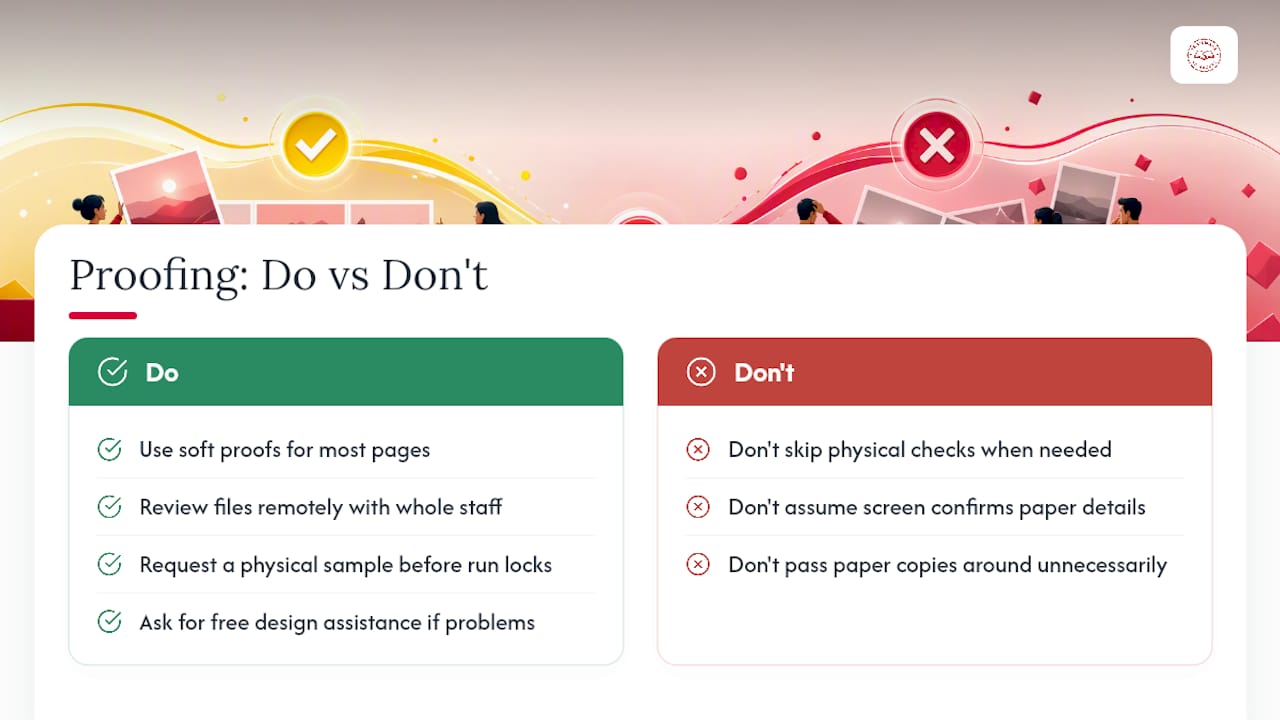
For most yearbook pages, a soft proof handles the job fine. Layout, photo placement, and copy edits move faster when advisers, students, and administrators can all review the same file remotely instead of passing around paper. Save the physical check for specific situations: a special photo section, a new paper stock, or binding details a screen simply can't confirm.
When that moment comes, request a sample before your run locks. Free design assistance may be available if a proofing round turns up layout issues, and our blog covers proofing workflows in more depth if you want to build a process your whole staff can follow.
— Jace
Sources
- Soft Proofing vs Hard Proofing: When Each Still Matters | Aproove
- Soft Proofing vs Hard Proofing: What Each Proves | Dalim
- Proofing