
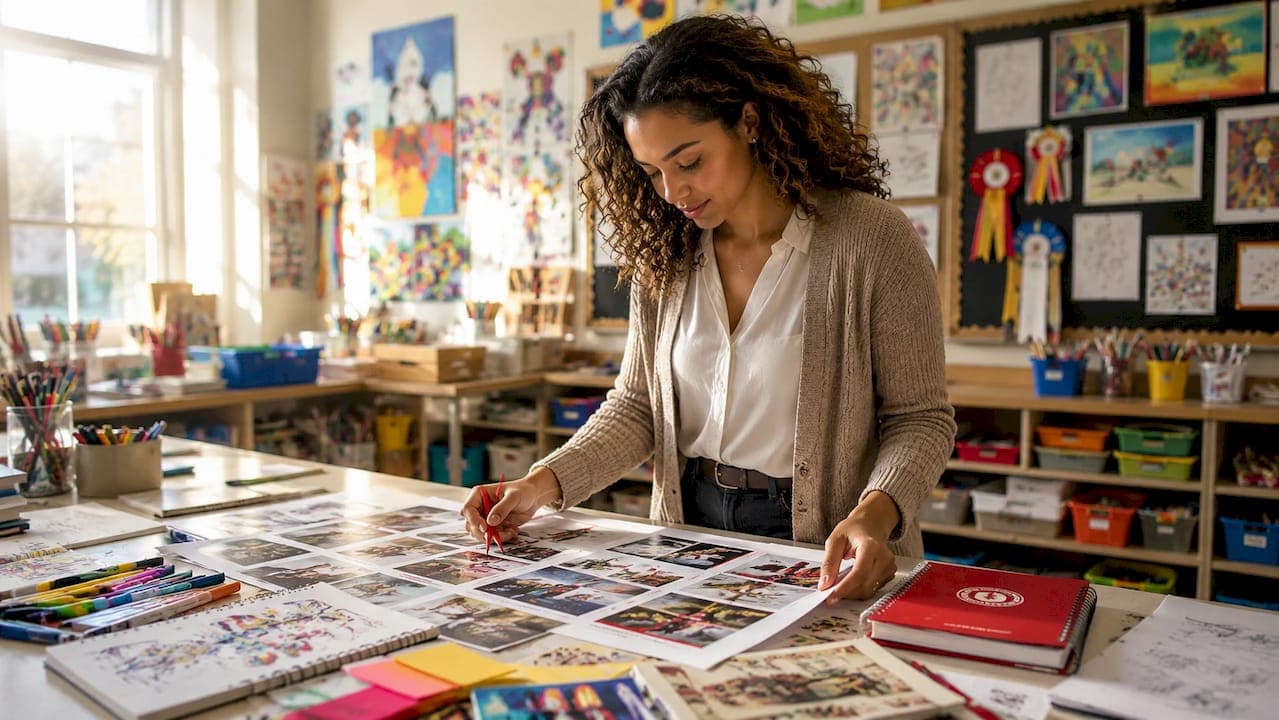
Yearbook support services are specialized offerings designed to help schools design, produce, and preserve yearbooks efficiently and with consistent quality. The three main types are template-based DIY editors, collaborative school platforms, and professional printing and production services, with scanning and digitization forming a fourth category that many advisers overlook. Knowing which type fits your school's size, team structure, and budget is the fastest way to reduce stress and hit your deadline. Trailmarkyearbooks, Canva, TreeRing, Jostens, and Walsworth all represent different points on this spectrum, and understanding where each sits helps you make a smarter call before you commit.
1. types of yearbook support services: template-based editors
Template-based editors are the most accessible entry point into yearbook production services. Tools like Canva and Shutterfly give advisers a library of pre-built page layouts, font pairings, and color schemes. You upload photos manually, write captions, and arrange content within those templates.
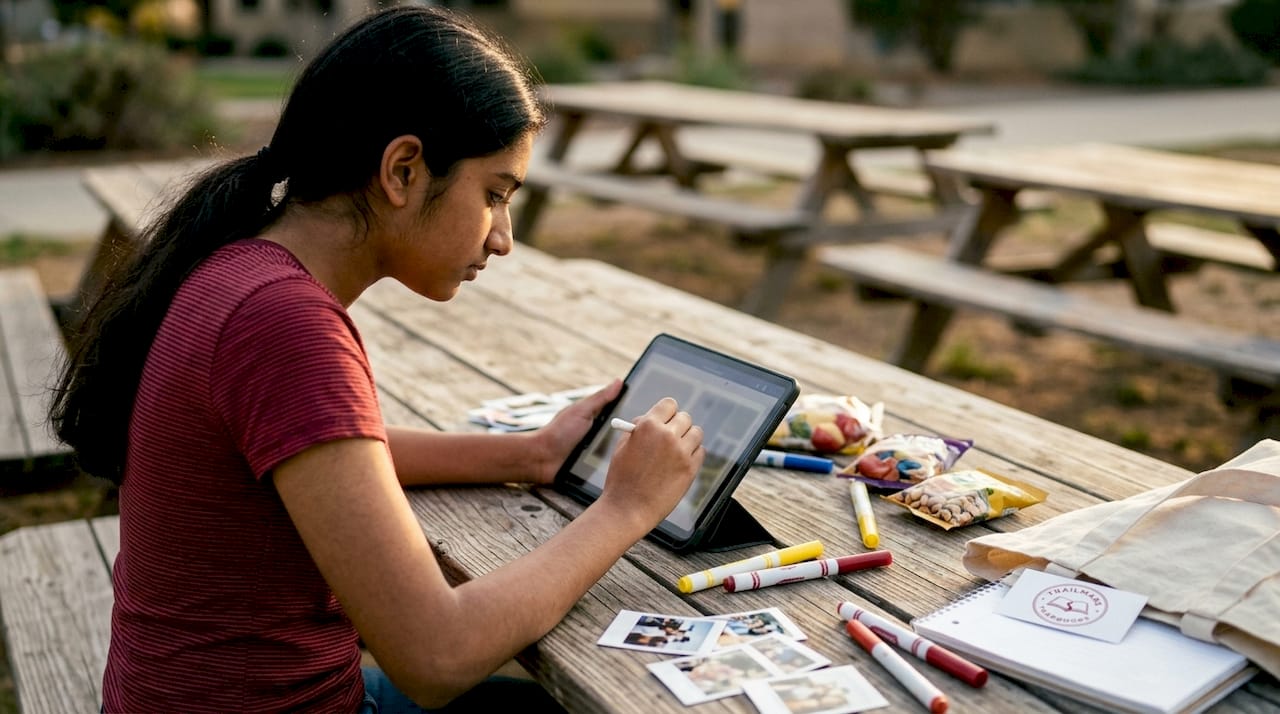
The manual upload process makes template editors slower than collaborative platforms. A single adviser or a small two-person team can manage the workload, but a 200-page book will take considerably more time than a platform that automates pagination or pulls content from a shared drive.
What template editors do well:
- Low cost, often free at the basic tier
- No learning curve for staff already familiar with Canva
- Full creative control over every page element
- Suitable for elementary schools with smaller page counts
Where they fall short:
- No built-in approval workflows for multi-contributor teams
- Version control is manual and easy to lose track of
- Bulk printing integration is limited compared to dedicated yearbook platforms
Pro Tip: If you use Canva for design, export your final files as press-ready PDFs at 300 DPI before sending to any printer. Low-resolution exports are the most common cause of reprints.
Template editors work best for schools printing fewer than 100 copies or for advisers who prefer full design control and have the time to manage production solo.
2. collaborative school platforms for large-scale production
Collaborative platforms are purpose-built for schools producing hundreds of copies with multiple student contributors and tight deadlines. TreeRing, Jostens, and Entourage all offer turnkey solutions that include simultaneous multi-editor access, approval workflows, automated pagination, and direct integration with bulk printing.
The core advantage is workflow management. An adviser can assign specific sections to different students or staff members, set review checkpoints, and approve pages before they move to print. That structure eliminates the back-and-forth email chains that slow down smaller setups.
Key features to look for in collaborative platforms:
- Multi-user editing with role-based permissions
- Built-in proofing and approval stages
- Automated index and pagination tools
- Direct print ordering with volume pricing
- Cloud storage for photos and assets
Pro Tip: Set your internal approval deadline at least two weeks before the printer's deadline. Platforms like Jostens build in buffer time, but adviser-side approvals are the most common bottleneck.
Pricing for collaborative platforms scales with print volume and feature tiers. Schools producing 300 or more copies typically find the per-book cost competitive once you factor in the time saved on coordination. For a detailed look at how online creation tools compare, the yearbook creator tools guide from Trailmarkyearbooks breaks down the options clearly.
3. professional yearbook printing and production support
Professional printing and production support covers everything from file preparation through the final press check. This category of yearbook production services is where quality control lives, and it is the area most advisers underestimate until something goes wrong.
Production planning by service providers includes file review, pagination coordination, proofing workflows, production schedules, and press checks. O'Neil Printing, for example, structures its yearbook services around these milestones to reduce risk at every stage. Walsworth operates similarly, assigning a production coordinator to each school account.
What a full production support package typically includes:
- File review and preflight check before plates are made
- Pagination audit to catch numbering or section errors
- Digital proof approval by the school adviser
- Press check or remote color approval
- Quality control inspection before binding and shipping
| Production Stage | What It Catches |
|---|---|
| File preflight | Low resolution images, missing fonts, incorrect bleed |
| Pagination audit | Out-of-order pages, duplicate spreads |
| Digital proof | Layout errors, color shifts, caption mistakes |
| Press check | Ink density, registration, paper stock accuracy |
Production schedules and proofing steps reduce the risk of costly reprints. For schools on tight timelines, understanding how printing turnaround works is just as important as the design itself. Trailmarkyearbooks covers this in detail in their printing turnaround guide for advisers.
4. yearbook scanning and digitization services
Yearbook scanning and digitization is the most underused category of yearbook support options, yet it delivers long-term value that no other service type can replicate. Professional scanning services convert physical yearbooks into searchable digital archives that alumni can access for decades.
Professional scanning services use specialized equipment and OCR technology to create searchable PDFs, with typical turnaround times of 4–12 weeks and prices ranging from $25–75 per book. That price range reflects differences in scan resolution, OCR processing, and whether the vendor provides insurance for books shipped to their facility.
OCR, or Optical Character Recognition, is the feature that separates a useful digital yearbook from a flat image file. OCR converts scanned images into searchable text, so alumni can search a name and find every page where it appears. Without OCR, a digitized yearbook is just a photo album.
What to look for in a scanning service:
- Non-destructive scanning (no spine cutting)
- OCR processing included in the base price
- Scan resolution of 300–600 DPI for archival quality
- Delivery in both PDF and image formats
- Insurance coverage for books in transit
Pro Tip: Request a sample scan before committing to a full batch. Ask the vendor to scan one page with dense text and confirm the OCR output is accurate before shipping your entire archive.
OCR quality and scan resolution are the two factors most schools underestimate when selecting a digitization vendor. A low-resolution scan with poor OCR is not an archive. It is a liability.
5. yearbook design assistance and editing support
Yearbook design assistance sits between template editors and full collaborative platforms. This type of support gives advisers access to a professional designer or design consultant who reviews layouts, suggests corrections, and helps resolve visual problems before files go to print.
Free design assistance, like what Trailmarkyearbooks offers, typically covers page layout review, font and color feedback, and help with cover design. Paid yearbook design assistance from vendors like Jostens or Walsworth can include full custom design services where the vendor builds pages based on your content and photos.
Yearbook editing options in this category also include copy editing for captions, headlines, and section introductions. Many advisers focus entirely on photos and forget that text errors in a printed yearbook are permanent. A single proofread pass by an outside editor catches the mistakes that familiarity blinds you to.
For advisers who want to understand what free design support actually covers before requesting it, Trailmarkyearbooks has a clear breakdown in their design assistance guide.
6. how to choose yearbook services: a side-by-side comparison
Knowing how to choose yearbook services comes down to four variables: budget, team size, timeline, and whether you need archival preservation. No single service type covers all four equally well.
| Service Type | Best For | Key Limitation |
|---|---|---|
| Template editors | Small schools, solo advisers | Slow for large page counts |
| Collaborative platforms | Large schools, multi-contributor teams | Higher cost, learning curve |
| Printing and production support | Any school needing quality assurance | Requires finalized files upfront |
| Scanning and digitization | Schools with physical archive collections | One-time use, not ongoing |
Most schools benefit from combining two or more service types. A small elementary school might use Canva for design and Trailmarkyearbooks for printing and production support. A large high school might use Jostens for collaborative editing and add a digitization vendor to archive the last 20 years of physical yearbooks.
Factors that should drive your decision:
- Schools with teams of five or more contributors need a collaborative platform
- Schools with budgets under $500 for design tools should start with template editors
- Any school printing more than 150 copies should use a vendor with full production support
- Schools with physical yearbooks older than 10 years should prioritize digitization now
For a broader view of how service packages are structured, the yearbook packages guide from Trailmarkyearbooks maps out the options by school type and need.
Key takeaways
The most effective approach to yearbook support is combining service types: template editors for design flexibility, collaborative platforms for team management, production support for quality control, and scanning services for long-term preservation.
| Point | Details |
|---|---|
| Four main service categories | Template editors, collaborative platforms, production support, and scanning each serve distinct needs. |
| OCR is non-negotiable for scanning | Without OCR, digitized yearbooks are unsearchable image files, not functional archives. |
| Combine service types strategically | Most schools get the best results by pairing a design tool with a dedicated production vendor. |
| Team size drives platform choice | Schools with five or more contributors need collaborative platforms with approval workflows. |
| Start production planning early | Advisers who set internal deadlines two weeks before printer deadlines avoid the most common delays. |
What i've learned after years of watching advisers choose wrong
The most common mistake I see yearbook advisers make is treating all yearbook support services as interchangeable. They pick the tool their predecessor used, or the one with the most familiar name, and then spend the rest of the year working around its limitations.
Template editors are genuinely good tools for the right situation. But I have watched advisers at schools with 400-student bodies try to manage a 180-page yearbook in Canva with a team of eight students, and the result is always the same: missed deadlines, version conflicts, and a final product that looks like it was assembled by committee without a chair.
The other thing advisers consistently undervalue is production support. Getting files to a printer is not the finish line. File preflight, pagination review, and a proper proof approval are what separate a yearbook that looks professional from one that has a blurry cover photo and a page 47 that appears twice.
Digitization is the area where I feel most strongly that schools are leaving value on the table. Physical yearbooks degrade. A 1987 yearbook sitting in a storage room is not an archive. It is a countdown. Searchable digital yearbooks created with proper OCR and 300–600 DPI scanning are accessible to alumni for generations. That is worth the $25–75 per book investment.
My practical advice: map out your team size, your page count, and your print volume before you look at a single vendor. Those three numbers will tell you which service category you actually need. Then request samples from at least two vendors before you sign anything.
— Jace
How Trailmarkyearbooks supports your school's yearbook
Trailmarkyearbooks is built specifically for school advisers who want straightforward support without a sales process. You get instant all-inclusive pricing online, free design assistance, and a 2–3 week turnaround with no hidden fees and shipping included.
If you want to evaluate quality before committing, you can request a sample directly from the website with no signup required. If you have specific questions about production timelines, design options, or which service combination fits your school, a dedicated rep is available to walk you through it. Trailmarkyearbooks works with elementary, middle, and high schools nationwide and brings over 50 years of combined experience to every project.
FAQ
What are the main types of yearbook support services?
The four main types are template-based editors, collaborative school platforms, professional printing and production support, and scanning and digitization services. Each serves a different combination of team size, budget, and production need.
What is OCR and why does it matter for yearbook scanning?
OCR stands for Optical Character Recognition. It converts scanned images into searchable text, allowing alumni to search names and find specific pages in a digital yearbook.
How much does professional yearbook scanning cost?
Professional yearbook scanning typically costs $25–75 per book with turnaround times of 4–12 weeks, depending on volume, resolution requirements, and whether OCR processing is included.
When should a school use a collaborative yearbook platform?
Schools with five or more contributors, large page counts, or bulk print orders above 150 copies benefit most from collaborative platforms like TreeRing or Jostens, which include approval workflows and automated pagination.
Does Trailmarkyearbooks offer free design assistance?
Yes. Trailmarkyearbooks includes free design assistance with every order, covering layout review, cover design help, and styling feedback, with no additional fees or signup required.