
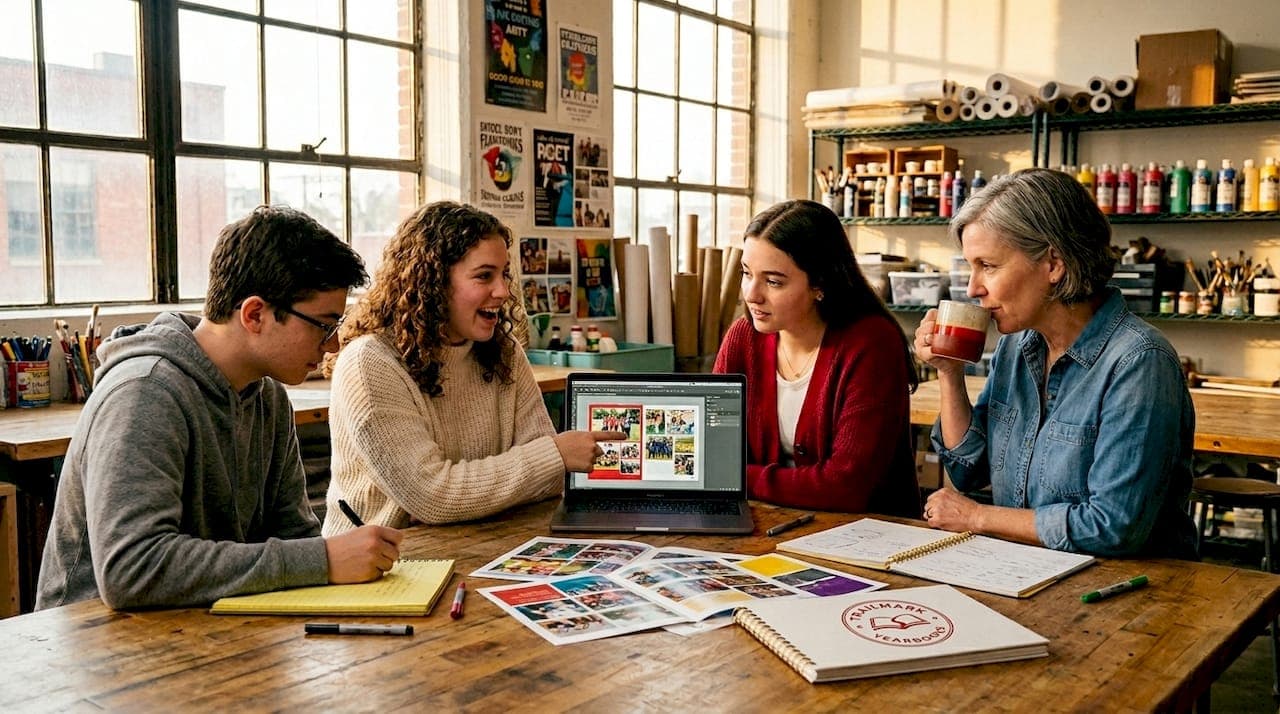
Yearbook advisers and school administrators regularly underestimate what "free design assistance" actually covers. Most assume it means a few generic templates and maybe a phone number to call when something breaks. That misunderstanding leaves real value on the table. What is yearbook free design assistance, in practice, is a surprisingly rich set of tools, resources, and human support that can take a first-time adviser from blank page to print-ready book without hiring a graphic designer. This guide breaks down exactly what you get, how to use it, and how to choose the right option for your school.
Table of Contents
- Understanding what free design assistance includes
- How customizable templates simplify yearbook creation
- Collaborative tools and support for yearbook teams
- Practical tips for maximizing free design assistance benefits
- Comparing free yearbook design assistance options in 2026
- The overlooked potential of free design assistance in transforming school yearbooks
- Explore how TrailMark Yearbooks supports your free design assistance needs
- Frequently asked questions
Key Takeaways
| Point | Details |
|---|---|
| Free design assistance defined | It includes customizable templates, online editors, and collaboration tools that simplify yearbook design. |
| Templates are highly customizable | Schools can adapt colors, layouts, and images to match their unique style and spirit. |
| Collaboration boosts efficiency | Shareable links and multi-user editing help yearbook teams work together smoothly from any location. |
| Compare popular tools | Platforms like Canva, Mixbook, and SlidesCreate offer different features—choose based on your school’s needs. |
| Leverage expert help | Combining free assistance with professional support improves your yearbook’s quality and production process. |
Understanding what free design assistance includes
Free design assistance is not a single thing. It is a category of support that varies by provider, but the best offerings share several common elements that genuinely reduce the burden on yearbook advisers.
At its core, free yearbook templates are the foundation. These are professionally laid-out page designs you can drop your photos, text, and school colors into without starting from scratch. Many providers offer entire template packs covering covers, portraits, candids, sports sections, and senior pages. Some are downloadable files for tools like Adobe InDesign. Others live entirely in browser-based editors.
Beyond templates, free design assistance typically includes:
- Drag-and-drop online editors that let you reposition photos, resize text boxes, and swap backgrounds without any graphic design background
- Printable template packs in PDF or InDesign format for advisers who prefer working offline or with more control
- Multi-user collaboration tools so your student yearbook team can all work on different sections at the same time
- Expert representative support, where a real person can answer your yearbook design questions, review your layouts, and catch issues before you go to print
- Design resource libraries including clip art, stickers, background textures, and font pairings curated for school yearbooks
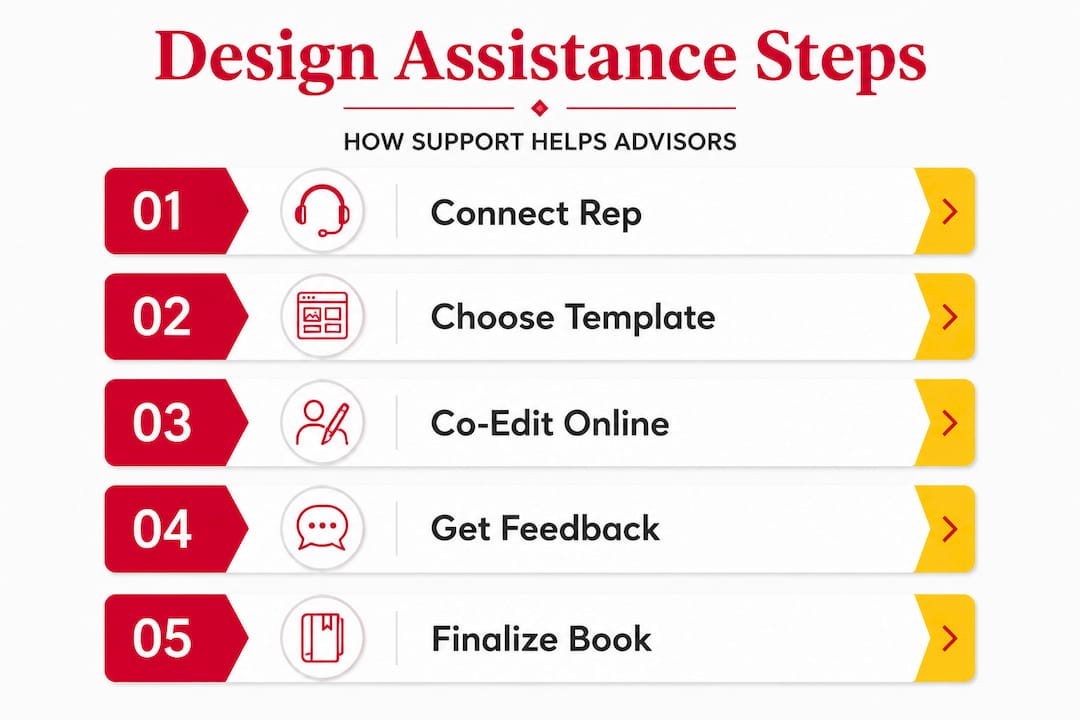
The expert support piece is where many advisers are surprised. Several providers, including TrailMark, pair schools with dedicated reps who offer hands-on assistance with yearbook design from start to finish. You can contact a yearbook rep early in the process and get guidance tailored to your school's size, timeline, and goals.
Pro Tip: Before committing to any platform, ask specifically what "free design assistance" includes. Some providers limit free support to templates only and charge for rep time. Others include rep support in the base price. Knowing this upfront changes your planning significantly.
How customizable templates simplify yearbook creation
Templates are only as useful as their flexibility. A rigid template that forces you into a layout that does not match your school's personality is barely better than starting from scratch.
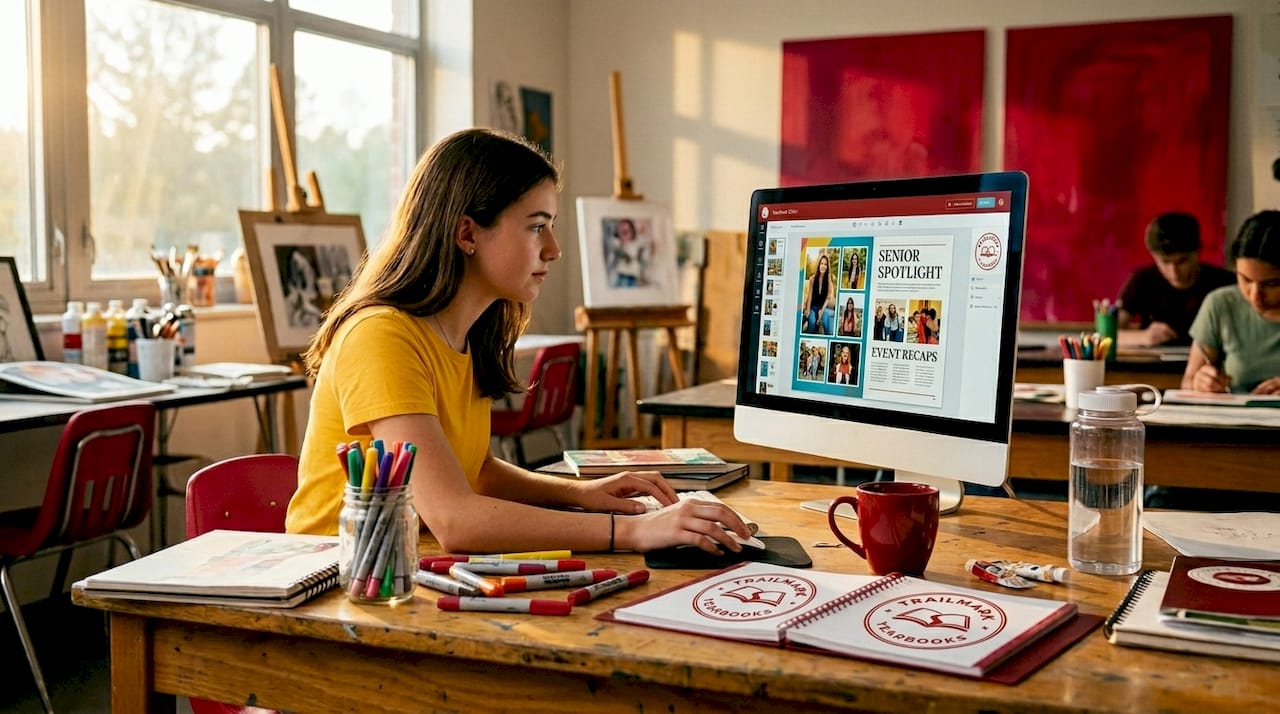
The best free templates give you a professionally designed structure while letting you change nearly everything inside it. Mixbook's yearbook themes number over 75 and are fully customizable with drag-and-drop functionality, meaning you can shift every element without touching code or design software. Canva operates similarly, with a browser-based editor that makes font swaps, color changes, and photo placements feel intuitive even for students who have never opened a design tool before.
Here is what customization typically covers:
- Color schemes tied to your school's official colors, applied across all pages at once in some platforms
- Font pairings to match your school's tone, whether that is bold and athletic or clean and academic
- Layouts and grids that can be restructured to fit more photos, more text, or a mix of both
- Backgrounds and textures ranging from minimal white space to full-bleed photographic backdrops
- Stickers, icons, and decorative elements that add personality without requiring custom illustration work
The practical benefit for advisers is speed. Instead of deciding how many columns to use, where the page number goes, or what font size works for captions, a template answers those questions for you. Your job becomes curation and personalization, not design from zero.
| Feature | Canva | Mixbook |
|---|---|---|
| Number of themes | 100+ | 75+ |
| Drag-and-drop editor | Yes | Yes |
| Custom colors and fonts | Yes | Yes |
| Multi-user collaboration | Yes | Limited |
| Print integration | Yes (premium) | Yes |
| AI design tools | Yes (some features) | No |
| Free tier available | Yes | Yes |
If your adviser or student team is working on their first yearbook, visit the school type options page to find templates and services matched to your specific school level. Elementary schools have very different design needs than high schools, and the right starting template reflects that.
Pro Tip: When personalizing your templates, lock your color palette and fonts in week one. Changing them mid-project after 40 pages are designed creates rework that kills your timeline.
Collaborative tools and support for yearbook teams
A yearbook is not a solo project. It involves advisers, student editors, photographers, administrators reviewing content, and sometimes parents. Free design assistance platforms increasingly recognize this and build collaboration directly into the product.
Canva supports real-time multi-user editing with shareable links, meaning your yearbook team can work simultaneously on different sections without emailing files back and forth. One student works on the sports spread while another designs the faculty pages and a third drops in class photos. No version conflicts, no "who has the latest file" confusion.
Here is a practical step-by-step process for running a collaborative yearbook project using these tools:
- Set up your shared workspace by creating the yearbook project in your chosen platform and inviting team members with appropriate permission levels (editor vs. viewer).
- Assign sections to specific students or staff members so there is clear ownership over each part of the book.
- Establish a review schedule where team leads share their sections via link for feedback at least twice before finalizing.
- Use the comments feature to leave specific, in-context notes directly on design elements rather than sending vague emails about "the photo on page 12."
- Check version history before submitting final files to confirm no last-minute changes slipped through unreviewed.
The version history feature is genuinely underused. If a student accidentally deletes a layout or someone makes a change that was not approved, you can roll back without panic. For advisers managing a team of teenagers, that safety net matters.
Pro Tip: Reach out to your yearbook representative before your team's first collaboration session. A 15-minute call can prevent common setup errors that waste hours of student work time later.
Practical tips for maximizing free design assistance benefits
Knowing what tools exist and actually getting value from them are two different things. Here is how to make free design assistance work at full capacity for your school.
- Start in September, not March. The benefits of yearbook design assistance multiply when you have time to iterate. Late starts mean rushed decisions, skipped review cycles, and designs that do not reflect the school year fully.
- Pull stakeholders in early. Get your principal or activities director to weigh in on the cover concept in October. Waiting until April for that conversation creates rework during your busiest production weeks.
- Use auto-layout tools when your platform offers them. Some editors can automatically arrange a set of photos into a grid or collage, which is especially useful for candid and event pages with large photo volumes.
- Stay consistent with school branding. Choosing fonts and colors is not just aesthetic. It is what makes the finished book feel like a cohesive product rather than 80 separate design projects.
- Freeze the design system before production begins. Decide on your template, color palette, font set, and section headers before page-level design starts. Changes to these elements after the fact ripple across every page.
Starting template selection early helps avoid last-minute rushes and the design inconsistencies that come with them. Schools that treat early planning as optional often discover in February that their cover concept does not work with the interior layouts they chose in January.
You can request yearbook samples from TrailMark to get a physical sense of what finished books look like across different design approaches. Seeing a real book in your hands answers design questions that screenshots never can.
Pro Tip: Build a simple one-page "brand guide" for your yearbook at the start of the project. List your approved fonts, hex color codes, and photo style guidelines. Share it with every team member. This single document prevents more design inconsistencies than any template will.
Comparing free yearbook design assistance options in 2026
With more tools available than ever, the challenge is not finding free design assistance but choosing the right one for your specific situation.
SlidesCreate's 2026 update introduced AI-powered design ideas and efficient layout options built to serve both large high schools and smaller elementary programs. That AI layer is significant because it reduces the number of design decisions an adviser has to make manually, particularly for schools with limited staff bandwidth.
| Platform | Customization level | Collaboration | Ease of use | Print integration | AI tools |
|---|---|---|---|---|---|
| Canva | High | Strong | Very easy | Yes (premium) | Yes |
| Mixbook | High | Limited | Easy | Yes | No |
| SlidesCreate | Moderate | Moderate | Easy | Yes | Yes (2026) |
| InDesign | Very high | Limited | Steep learning curve | Export only | Limited |
Choosing based on your school's situation:
- Elementary schools with less experienced advisers benefit most from Canva or Mixbook for their simplicity and large template libraries
- Middle schools with active student teams do well on platforms with strong multi-user features where students can own their sections
- High schools with students who have design experience may benefit from InDesign's precision, though they will need more direct assistance with yearbook design on the technical setup
- Any school with a tight timeline should prioritize platforms with integrated print ordering to avoid the extra step of exporting files and finding a separate printer
Visit TrailMark's high school yearbook page for design options built specifically around the volume and complexity that larger schools face.
The overlooked potential of free design assistance in transforming school yearbooks
Here is the view that most articles on this topic miss entirely: free design assistance is not just a cost-saving measure. It is a participation engine.
When you lower the barrier to design, more students can meaningfully contribute. The student who has strong opinions about the layout of the basketball season spread but could never have acted on them without design software can now open a browser tab and make it happen. That shift from passive to active involvement changes the yearbook from a product the adviser makes for the school into something the school makes together.
We have seen this consistently across schools of all sizes. The yearbooks that feel the most alive, the ones students actually want to keep, are the ones where many hands touched the design. Free tools make that possible by removing the "only the expert can do this" barrier.
There is also something worth saying about creativity. Advisers sometimes treat templates as a creative ceiling. They are not. They are a creative floor. A well-chosen template gives your team a confident starting point and frees up mental energy for the decisions that actually matter: which photos tell the story of this school year, what sections reflect the community's real personality, and how the book will feel in a student's hands 20 years from now.
Explore yearbook samples from TrailMark to see how schools are using free design resources as a launching pad for genuinely memorable books, not just technically acceptable ones.
Explore how TrailMark Yearbooks supports your free design assistance needs
Free design tools get you far, but the gap between "designed" and "printed beautifully" is where many schools run into trouble. TrailMark bridges that gap.
TrailMark includes free design assistance as a standard part of working with us, not a premium add-on. Our team brings 50+ years of combined experience to every project, and our dedicated reps work with schools at every level including elementary, middle, and high schools. You can design using Canva, InDesign, or our own online creator. Pricing is all-inclusive with no hidden fees and shipping included. If you want to see what quality looks like before you commit, request a yearbook sample and hold the finished product in your hands. Ready to talk specifics? Contact a TrailMark representative and get answers to your yearbook design questions from someone who knows the process inside and out.
Frequently asked questions
What does free design assistance for yearbooks typically include?
It usually includes free customizable templates, online drag-and-drop editors, and sometimes expert representative support to guide your team from layout to final print file.
Can my yearbook team collaborate remotely using free design assistance?
Yes. Platforms like Canva offer real-time multi-user editing with shareable links, allowing team members to work on different sections simultaneously from any location.
Are free templates customizable to reflect our school's unique colors and style?
Absolutely. Mixbook's customizable themes allow full changes to color schemes, fonts, layouts, and decorative elements so the finished book reflects your school's identity.
Do free design assistance platforms also help with printing?
Some do. Canva supports direct print ordering from within the platform, while others let you export print-ready files to use with a separate printer of your choice.
How do I choose the best free yearbook design assistance for my school?
Factor in your school size, team experience level, collaboration needs, and printing preferences. Comparing platforms like Canva, Mixbook, and SlidesCreate's AI tools against those criteria will point you to the right fit.